




my stamp!
how it's made
My website is handcrafted with html/css and some javascript. It lives in a folder on my computer desktop and I
work on it in vscode with the LiveServer plugin. I push all of it to a github repository before deploying it to my
custom domain with netlify. The github repository is currently private but I might try to work on a publicly available template
soon. I'll drop that link here if I do.
In general, my process looks like this:
idea -> draft on paper -> draft on figma -> vscode -> change my mind like 20 times -> git commit!
how do I learn how to code!!!
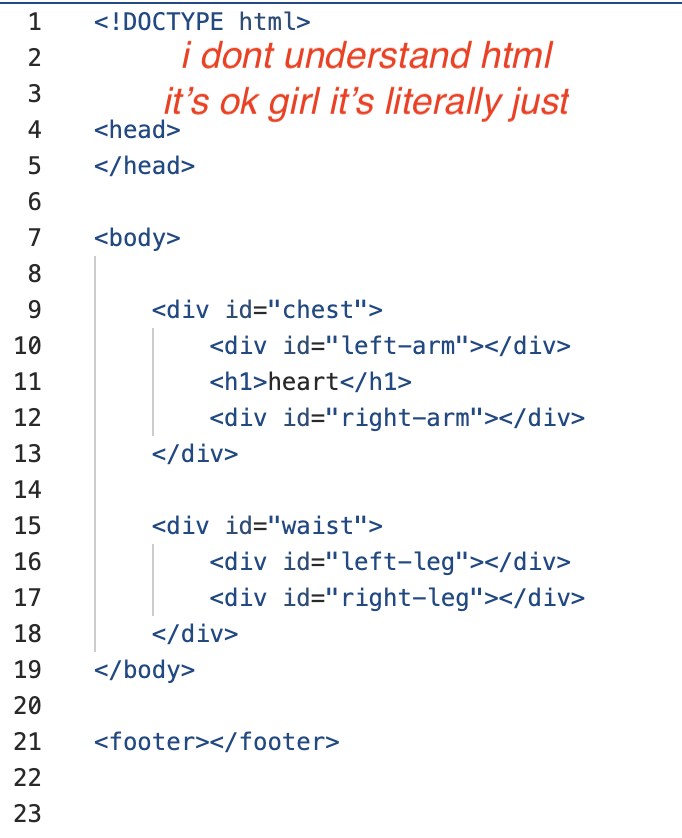
Ok so the easiest way to learn it is by doing it. There are a ton of multi-hour long tutorials on youtube but I personally think all you need are some basic layouts you can reverse engineer. I learned by building my first basic website off of digital gardening template. I think having a base template to start customizing will take the pressure off of Getting Started and give you a place to get comfortable handling and editing html/css files. I compiled a handful of resources that I've found helpful along my journey. At the end of the day, the best thing is the fact that html is so old and there are so many existing work arounds for anything you're trying to achieve scattered across stack overflow.
what about ai and vibe coding?
Somewhere in a page on my smallweb.site project, I say something about using AI to learn how to code. It was several years ago and I had access to the beta
chatgpt or whatever it was at the time and the model was genuinely good enough with no fluff. I did in fact learn from that model. In hindsight, I think what genuinely pushed me to learn during that era was fixing the dysfunctional code that chatgpt spit out.
Since then, it has only gotten worse. And the greater consequences of using generative AIs on a consumer level are truly not worth magnifying for
a simple html static website that has been done flawlessly many many times before AI was even conceived. With that said, you
do NOT need to use AI to learn html/css. It is a clean, intuitive, and simple coding language that you WILL get a hang of in no time. Allow
yourself to explore and make mistakes and break your code and fix it yourself. Play with the tutorials on W3Schools. All the javascript you could possibly
need already exists... find it on stack overflow. There is so much out there and you can find it yourself, I promise.
See more resouces here
credits
Fonts:
Images:
Code: